WordPress Alternatives No Code AI:The Great Web Shift: Ditching the WordPress Beast for No-Code & AI Simplicity
Let’s be honest: WordPress is a beast—and not always in a good way. It is a monumental achievement, a platform that literally powers over 40% of the entire internet.
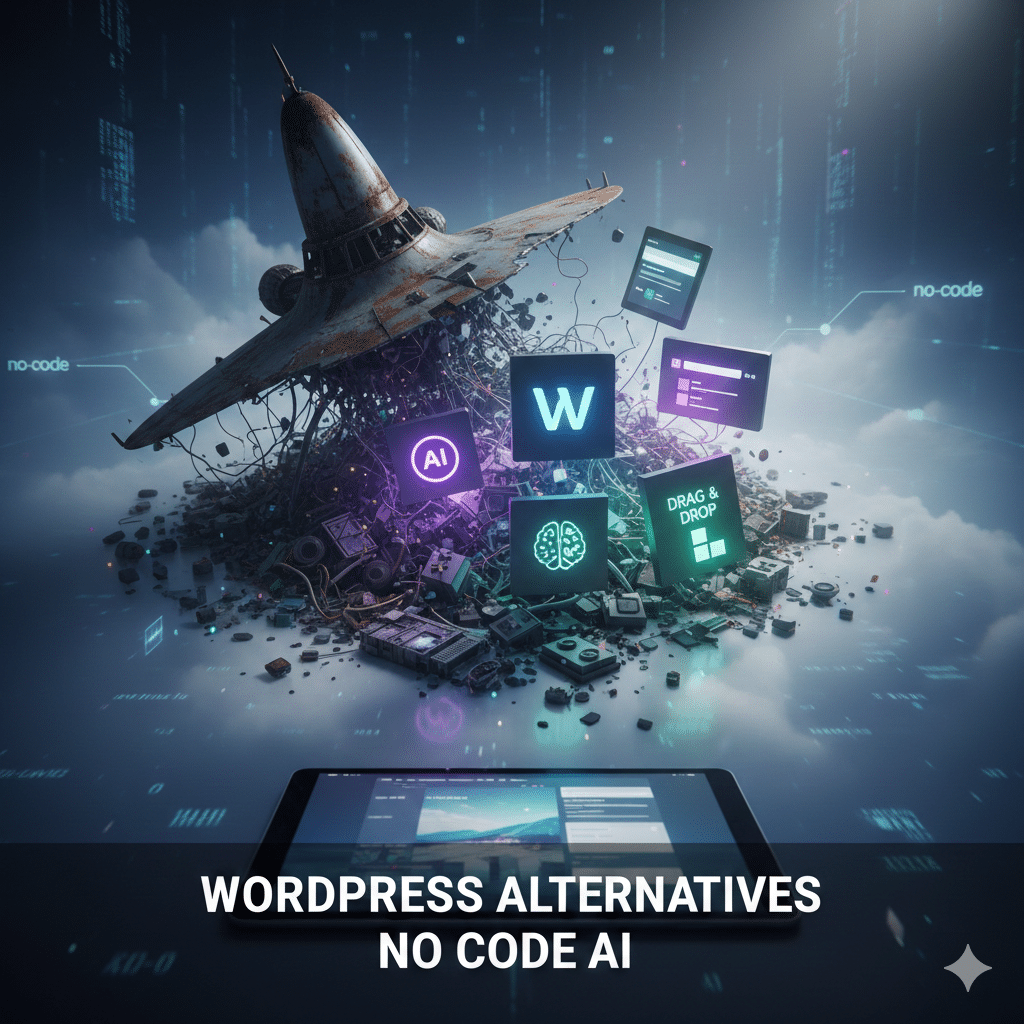
But for a growing number of creators, entrepreneurs, and small business owners, WordPress feels less like a flexible platform and more like a fragile spaceship that requires constant, meticulous management. If you’ve ever found yourself screaming “There has to be an easier way!”, you are absolutely not alone. And here’s the good news: you are not wrong.
Welcome to the golden age of no-code and AI-powered website builders. This new generation of tools is challenging the WordPress hegemony by offering a promise its users crave: the ability to launch beautiful, high-performing, and responsive sites in hours, not weeks, without ever writing a single line of code or managing a single plugin.
This is not just a trend; it’s a fundamental shift. Let’s deeply explore why the WordPress model is becoming obsolete for the majority of users, and what powerful, simple tools are ready to take its place.
The Heavy Price of WordPress Freedom: Why It’s Not a Fit for Everyone
WordPress’s core strength—its endless flexibility—is also its greatest weakness. That flexibility comes with a hidden, high cost, manifesting in a number of critical pain points that modern no-code platforms have eliminated.
1. The Steep, Unexpected Learning Curve
The idea that WordPress is “easy” is a marketing myth. While installing the core software is simple, the real work—and frustration—begins immediately after:
- The Hosting Maze: You must first become an expert in hosting types (shared, managed, VPS), cPanel, and DNS records.
- The Theme & Customization Trap: You pick a theme, only to realize that customizing it beyond basic colors requires knowledge of CSS.
- The Block Editor Headaches: Its behavior can still be inconsistent, forcing users to fight the editor instead of focusing on content.
2. Plugin Overload and the “Fragile Spaceship” Syndrome
The plugin ecosystem is the lifeblood of WordPress, but it is also a source of ceaseless anxiety.
- The Compatibility Crisis: You are constantly balancing a fragile ecosystem. One essential plugin updates its core code, and suddenly your contact form or photo gallery breaks entirely.
- The Security Liability: Every plugin is a potential open door for hackers. Meticulous vetting and constant updating are required.
- Performance Drag: Too many plugins add unnecessary database queries, scripts, and CSS files, slowing down your site and impacting SEO.
3. Maintenance, Security, and Time Sink
For non-tech-savvy users, the maintenance is a hidden job. You are responsible for everything:
- Core, Plugin, and Theme Updates.
- Managing scheduled, off-site backups.
- The DIY Fix: Possessing developer skills or paying emergency rates when something inevitably breaks.
🎯 The Modern Mandate: What to Seek in a WordPress Alternative
The ideal WordPress replacement addresses the pain points above by prioritizing three core principles: speed, simplicity, and integration.
| Feature | The Old Way (WordPress) | The New Way (No-Code/AI) |
|---|---|---|
| Hosting | Manual setup, external costs, complex DNS. | Managed, secure, fast cloud hosting is built-in. |
| Building | Manual customization, fighting with themes/plugins. | Pure drag-and-drop or AI generation. |
| Functionality | Requires 10+ plugins for forms, SEO, cache, etc. | Core features (SEO, Forms, Analytics) are native. |
Key Features to Prioritize:
- True Ease of Use (The Canvas Model): Designing on a visual canvas, not editing code.
- Built-in AI Empowerment: AI should help generate site layouts, write persuasive copy, and optimize images.
- Performance and Reliability: Built on modern, secure cloud infrastructure for fast load times.
🌟 Best No-Code and AI-Powered WordPress Alternatives: The Future of Web Building
1. Webflow
Best For: Professional Designers, Developers, and Agencies.
- Unrivaled Design Control: Pixel-perfect designs with semantic, clean code structure.
- Powerful CMS: A clean, flexible Content Management System for blogs and e-commerce.
- Webflow University: A massive, high-quality resource library.
2. Wix ADI
Best For: Absolute Beginners and Small Businesses needing a site right now.
- Instant AI Site Generation: Get a fully fleshed-out design, layout, and draft content in minutes.
- Intuitive Drag-and-Drop: One of the easiest editors on the market for tweaking elements.
- Massive App Market: Vetted and maintained by Wix, eliminating compatibility issues.
3. Framer
Best For: UI/UX Designers Switching from Figma, or Startups.
- Figma Integration: Design in Figma, copy/paste to Framer, and publish—it’s that fast.
- Built-in Interactivity: Easy, powerful tools for stunning animations.
- Performance Focused: Sites are incredibly fast for product marketing and landing pages.
4. Durable
Best For: Solopreneurs, Local Businesses, and Freelancers.
- 30-Second Launch: A complete site with optimized copy and images instantly.
- Integrated Business Tools: Includes an AI-powered CRM, invoicing, and marketing tools.
- AI-Generated Content & SEO: AI automatically writes conversion-optimized copy and includes basic SEO setup.
5. Dorik
Best For: Simplicity Lovers and those seeking a minimal, clean CMS.
- Super Fast Loading: Built for speed from the ground up.
- Clean Component Library: Features 80+ pre-built, high-quality templates and UI blocks.
- Simple Blogging/CMS: A straightforward CMS that gets your content published without complexity.
6. Carrd
Best For: One-Page Websites, Link-in-Bio Pages, and Portfolio Launches.
- Extreme Simplicity: An unbelievably easy editor, forcing you to focus on your core message.
- Affordable and Free Tier: Very generous free tier and budget-friendly paid plans.
- Lightweight and Mobile-First: Pages load instantly and look perfect on any device.
7. Hostinger Website Builder (Zyro)
Best For: Budget-Conscious Creators and Small eCommerce Shops.
- AI Writing Tools: AI content generator for headlines, product descriptions, and site copy.
- Integrated eCommerce: Excellent platform for small to medium online stores.
- Budget-Friendly: Highly competitive pricing, often bundled with free hosting and a domain.
8. Typedream
Best For: Startups, Tech Creators, and Teams Familiar with Notion.
- Notion-Style Editor: Extremely intuitive for those who love Notion’s block-based editing.
- Built-in Startup Essentials: Includes easy payment integration (Stripe) and robust SEO tools.
- Perfect for Documentation: Excellent for knowledge bases and startup MVPs.
🤖 The AI Revolution: Automation That Replaces Manual Work
The integration of Artificial Intelligence is the single biggest factor making WordPress obsolete for the average user. AI has become the outsourced developer, copywriter, and SEO specialist.
| AI Function | The No-Code/AI Advantage |
|---|---|
| AI Layout & Structure | Instant generation of a full, responsive website structure based on user prompts. |
| AI Content Generation | Generate entire page copy (About Us, Services, Product Descriptions) instantly. |
| Automated SEO | Automatic meta tag generation, smart URL structuring, and sitemap creation. |
| Image Optimization | Images are automatically compressed, optimized for web, and lazy-loaded by default. |
This level of automation means you spend 100% of your time on your business and 0% of your time on site maintenance and configuration.
✅ Who Should Make the Switch Now? The WordPress Escape Plan
You are likely over-leveraging a complex tool and should switch if you are:
- Solopreneurs & Creators: You need speed, simplicity, and stunning results—fast.
- Local Businesses & Service Providers: You need a reliable, professional site with built-in marketing and booking tools (e.g., Durable or Wix ADI).
- Non-Tech-Savvy Users: If terms like “FTP” or “database” cause anxiety, these tools are for you.
- Speed-Focused Marketers: If your primary goal is to run marketing campaigns and test landing pages, you need the ability to launch a new page in an hour.
👑 When WordPress Still Holds the Crown
WordPress is not dead. It still shines in two specialized scenarios:
- Massive, Enterprise-Level Sites: For multinational corporations requiring thousands of custom content types and complex integrations, its powerful CMS is still unmatched at scale.
- Developer-Heavy Custom Solutions: When you need to build custom, bespoke backend systems (like a unique social network or membership portal), the WordPress database and PHP foundation can be a flexible framework.
Conclusion
WordPress is great—but it’s not one-size-fits-all. In 2025, we have AI-powered, no-code alternatives that make building a high-performance, beautiful website as easy as editing a document.
If you’re tired of the fragile spaceship, it’s time to move on. The no-code runway is clear, and the launch is instant.
FAQs
- Can AI really build a full website?
Yes! Tools like Durable and Wix ADI can generate a complete site—including text and layout—in seconds using AI.
- Are no-code platforms good for SEO?
Definitely. Many offer built-in SEO tools, schema support, fast load times, and clean code structure.
- Which tool is best for beginners?
Wix ADI and Carrd are incredibly beginner-friendly. You don’t need any design or tech experience.
- Do these tool support eCommerce?
Yes! Webflow, Zyro, Wix, and even Typedream support online stores with payment integration.